5 min read

Why Most AI Pilots Stall Before Production
You bought the licenses and ran the pilot. Nothing changed. Here is why most AI projects stall and the four steps that get them into production.
Key Takeaways
- Start with the process that costs you the most, not the one that makes the best demo.
- Define the agent like a job: what it owns, what great work looks like, and what it never touches.
- Connect it to your real data, then give it an owner, a log, and a review step before you scale it.
Every company I talk to did something with AI this year.
They bought Copilot licenses. They ran a pilot. Someone on the team built a few flows in Power Automate. Leadership saw a demo and liked it.
Then nothing changed. The same people do the same manual work. The numbers look the same as last year.
The tools did not fail. Copilot works. Azure OpenAI works. Power Automate works. The problem sits before the tools. Companies point AI at the wrong problem, or they build it in a way that breaks once real data, real users, and real compliance rules show up.
Three reasons AI pilots stall
At YTG, we see the same three patterns over and over.
They solve the easy problem, not the expensive one. A chatbot that answers HR questions makes a good demo. It rarely moves revenue or cuts real cost. Teams pick the project that looks good in a meeting, not the one that slows the business down.
They build on test data. A pilot runs on a clean spreadsheet someone exported last month. Production runs on five systems that don't agree with each other. The pilot never had to deal with that, so it breaks when it meets the real thing.
They skip governance. Nobody decides who owns the agent, what data it can see, or how to check its work. Security and compliance teams find out late, and they shut it down. They're right to.
None of these are technology problems. They are planning problems. Here is how we fix them.
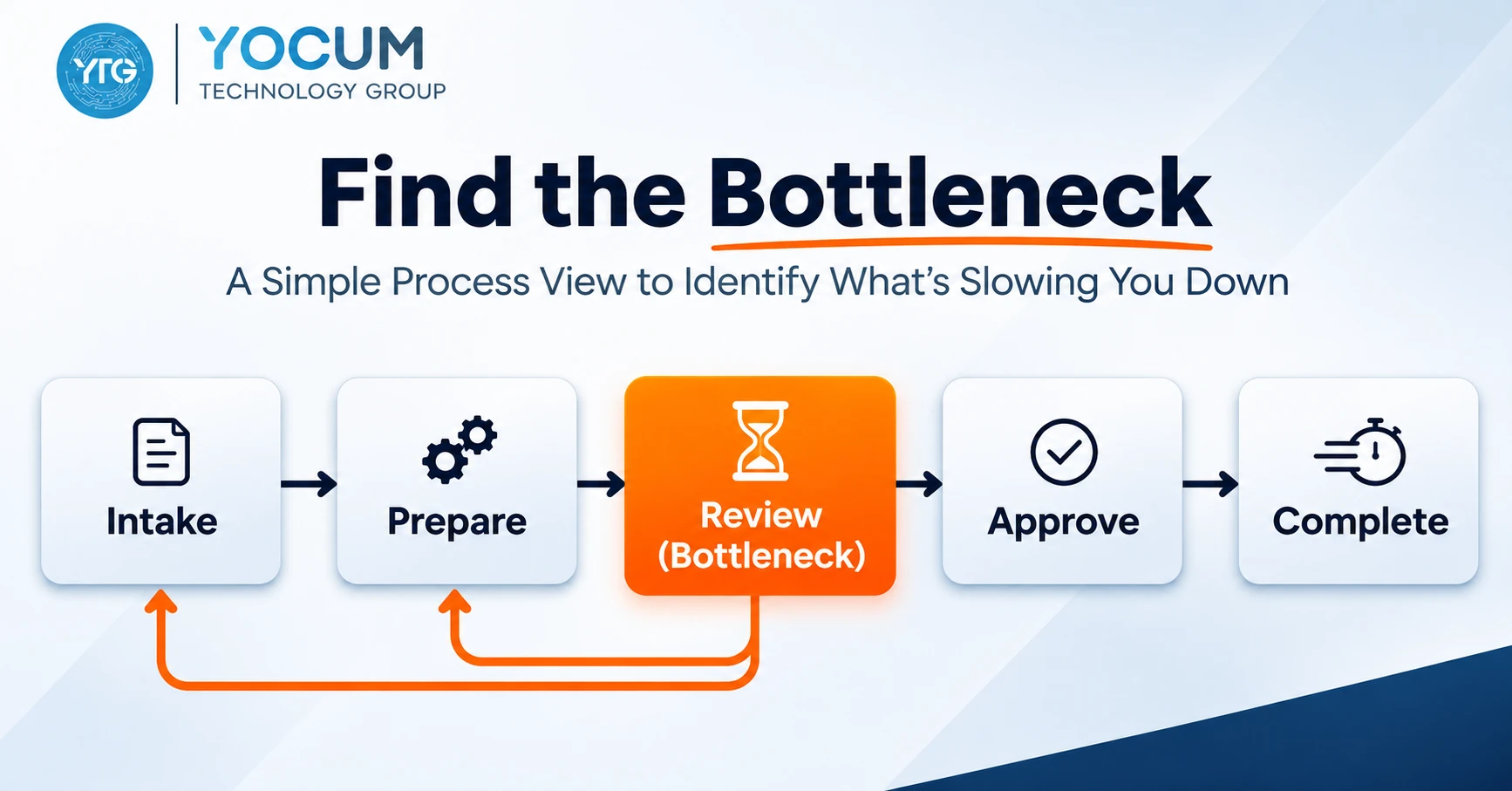
Step 1: Find the bottleneck first
Every business has one process that holds it back more than the rest. It usually sits in one of three places: winning work, processing work, or delivering work.
Look at your numbers. Where do requests pile up? Where do your best people spend hours on copy-and-paste work? Where do errors cost you money or customers?
Pick one. Ignore everything else for now. One agent that removes a real bottleneck beats ten tools that each save a few minutes.
Step 2: Write the job, not the prompt
Most teams start an AI project by writing prompts. Start by writing a job description instead.
Picture the person you would hire tomorrow to fix the bottleneck. Then answer five questions:
- What do they own?
- What does a normal day look like?
- What does great work look like?
- What should they never touch?
- Who do they go to when they get stuck?
That description becomes the spec for your agent. It tells our engineers what to build. It tells your team what to expect. And it gives you a clear way to judge whether the agent does its job.
Step 3: Connect it to your real data
An agent that can't see your systems guesses. Guessing has no place in a claims process or a financial workflow.
Your data is your edge. Every company can buy the same AI models. Only you have your contracts, your customer history, your policies, and years of examples of good and bad work.
We connect agents to the systems your people already use: Dataverse, SharePoint, Dynamics 365, SQL Server, and the business apps in between. The agent runs inside your Microsoft environment and follows the same access rules as your staff. It sees what it needs and nothing else.
Then give it examples. Show it ten great outcomes and ten bad ones. An agent with real examples beats an agent with a long prompt every time.
Step 4: Add guardrails and a feedback loop
A lot of what companies call agents are really automations. They do the same thing the same way forever. A real agent gets better over time, and that takes a feedback loop.
Every agent we build has four things:
- An owner. One named person answers for what it does.
- A log. You see every action it took, what data it used, and when.
- A review step. Your team checks its high-risk work before anything goes out.
- A correction path. When someone fixes the agent's work, that fix goes back into its instructions and examples.
Review the corrections every week and update the agent. That loop makes it better 52 times a year. It also gives your compliance team a full record of what changed and why.
This step separates a pilot from a production system. Skip it and the agent stalls, or your security team shuts it down.
Then find the next bottleneck
Once the first agent runs and the numbers move, the bottleneck shifts. Go find the new one and repeat the four steps.
Each round runs faster. You reuse the same data connections, the same governance model, and the same team habits. That is how AI becomes part of how your business runs instead of a side project.
Where YTG fits
YTG designs and builds AI and automation systems on Microsoft Azure and the Power Platform. We take companies from pilot to production and build governance in from day one. Every engagement has a defined outcome.
Want to know where AI pays off fastest in your business? Book a 30-minute Architecture Review. We look at your current systems and processes, then show you the two or three best places to start. Our engineers join the call, so you leave with a plan we can build, not a slide deck.
Tim Yocum
At YTG, I spearhead the development of groundbreaking tooling solutions that enhance productivity and innovation. My passion for artificial intelligence and large language models (LLMs) drives our focus on automation, significantly boosting efficiency and transforming business processes.